
30 Obsidian Workflows Most Users Don't Know About
(your notes app is 10x more powerful than you think)

Every session, Claude starts fresh.
No memory of your projects.
No context on your thinking.
No idea what you figured out last Tuesday or what you’ve been building for the last six months.
You re-explain yourself.
Every. Single. Time.
I used to think this was just how AI worked.
A limitation you accepted.
Like how you accept that your phone’s battery dies.
Then a consultant I follow — solo operator, works with three clients at a time, genuinely one of the most organized thinkers I know — sent me a screenshot.
It was Claude summarizing her week.
Not a week she’d just typed out.
A week Claude had read — from her notes.
It had found patterns across three months of daily entries, flagged two overdue projects, and drafted her priority list for Monday morning.
I asked her how long it took to set up.
“One afternoon,” she said. “I haven’t thought about it since.”
The system is Obsidian connected to Claude.
Obsidian is a free notes app where everything lives on your computer as plain text files.
You own them forever. No subscription. No cloud. No company reading them.
When you connect it to Claude, something different happens.
Claude stops answering from the internet. It starts answering from you.
Here are the 30 things you can do with it. Start with the first six.
The rest will make sense after.
Using Claude without Obsidian means starting from zero every session.
Using Obsidian without Claude means doing manually what a machine can do better.
Connect them once.
I. The 6 plugins you actually need
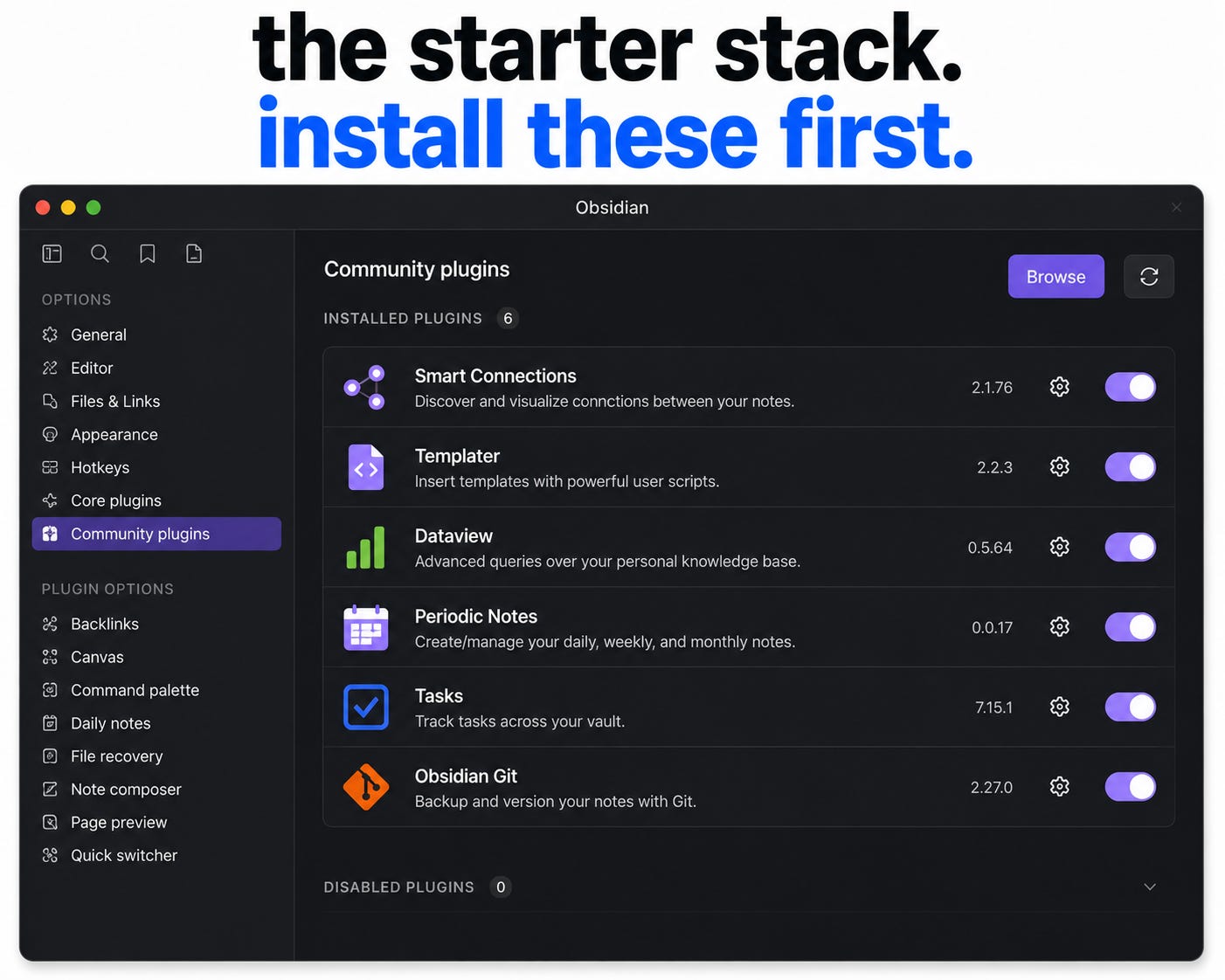
A plugin is a free add-on that gives Obsidian a new superpower.
You don’t need all 30 tricks to start. You need these six.
Smart Connections — the most popular AI plugin for Obsidian.
You type a question. It searches every note you’ve ever written and answers using your own words and ideas. “What do I know about building an audience?” → finds 12 notes you wrote months ago and gives you a summary.
Templater — automatically sets up a note when you create one. Every Meeting Note gets today’s date, attendees, action items, tags — pre-filled. Consistent notes means Claude can find and understand them better.
Dataview — turns your notes into a searchable database. Query: “Show me every note tagged #project-alpha from the last 30 days” → live table. Combine with Claude: “Which projects have I not updated in two weeks?”
Periodic Notes — automatically creates your daily note every morning, weekly note every Monday, monthly note every first of the month — templates pre-filled. Your vault builds a time-stamped record Claude can analyze for patterns over months.
Tasks — add a task to any note, anywhere. All tasks appear in one master list with due dates, priorities, repeat schedules. Claude reads all of them and helps you decide what to focus on.
Obsidian Git — saves a backup of your entire vault every X minutes. Full history. If you delete something or want to see what a note looked like three weeks ago — it’s there.
II. The workflows that save the most time
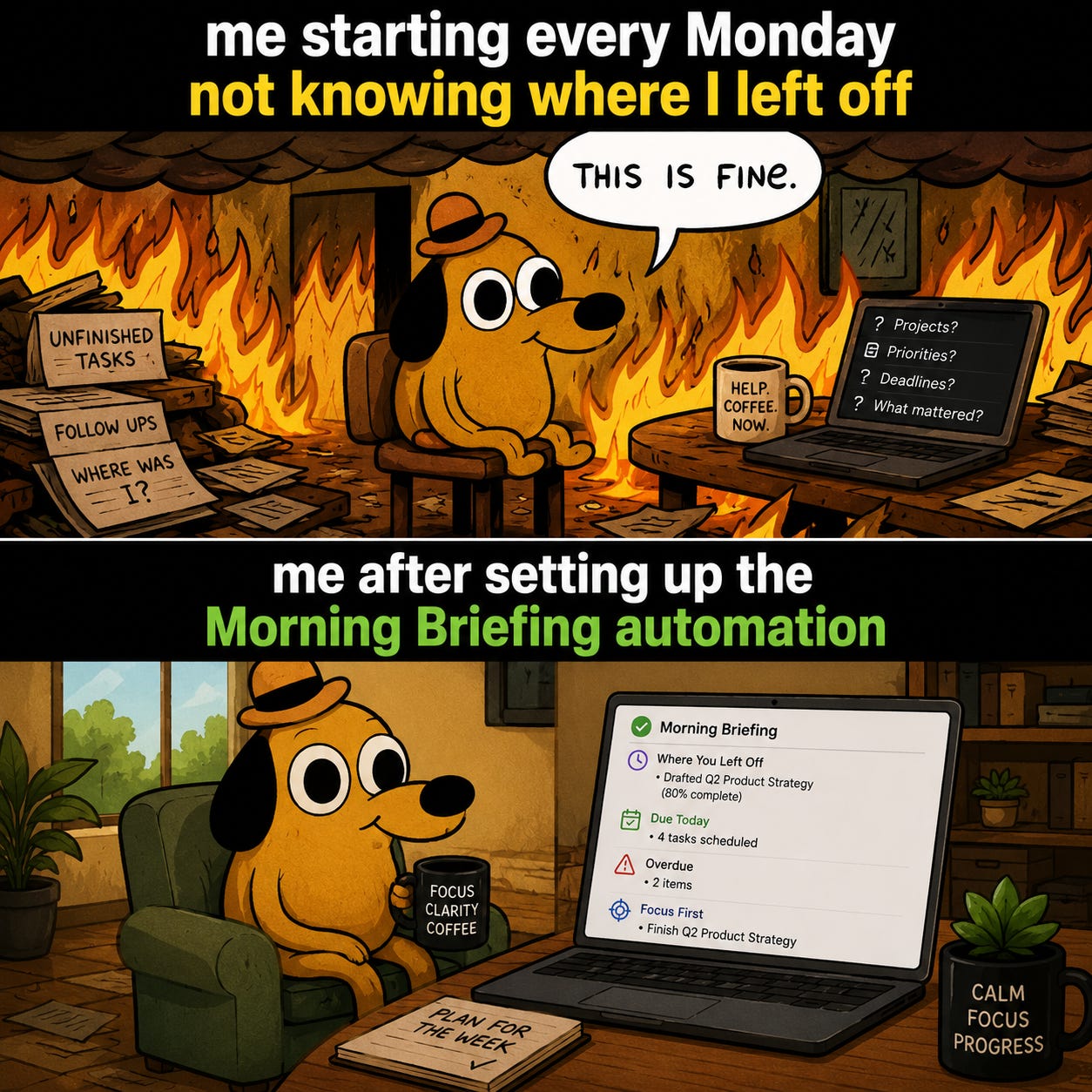
Morning Briefing — every morning, Claude reads your last 3 days of notes plus active project notes. Creates one “Start of Day” note: where you left off, what’s due, what’s overdue, what to focus on first. You read it with your coffee.
Meeting Note Processor — after a meeting, dump your messy notes into a new note. Claude pulls out every action item, lists decisions made, links to relevant project notes, adds tags. Five minutes of brain dump → clean, organized, searchable record.
Weekly Review — every Friday, Claude scans everything you created or changed that week. One summary: what you accomplished, tasks finished vs. planned, patterns it noticed, suggested priorities for next week. Your weekly review takes two minutes to read instead of an hour to write.
Idea Cross-Pollinator — you have an idea in a note. Ask Claude: “Find notes in my vault that connect to this in a non-obvious way.” Claude finds connections you’d never spot yourself. The best ideas come from unexpected links between unrelated topics.
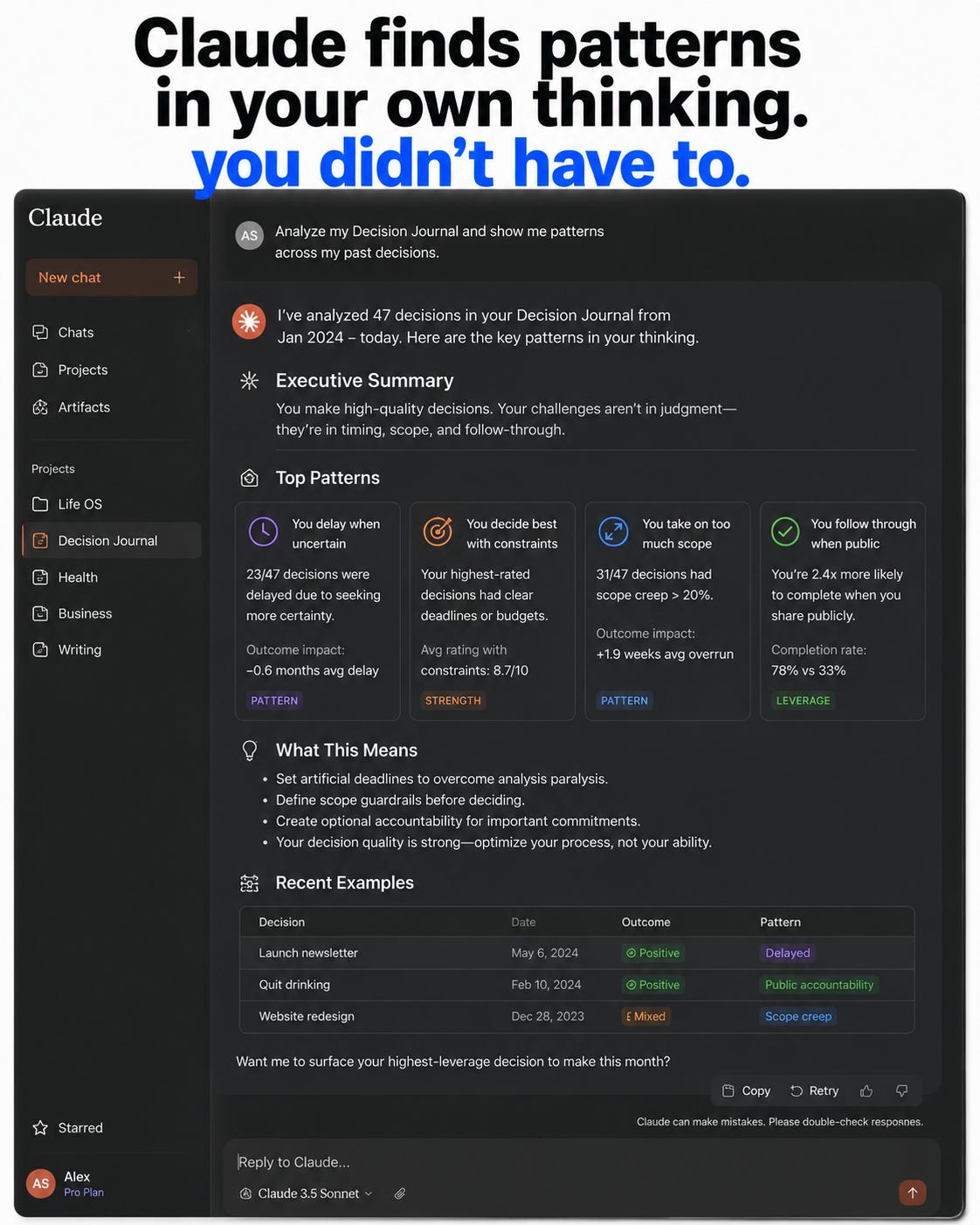
Decision Journal — before a big decision, write your options and reasoning. After it plays out, write what actually happened. Over time, Claude analyzes the journal: “You tend to make better decisions when X. You consistently underestimate Y.” Pattern recognition on your own life.
III. The advanced setups (for when you’re ready)
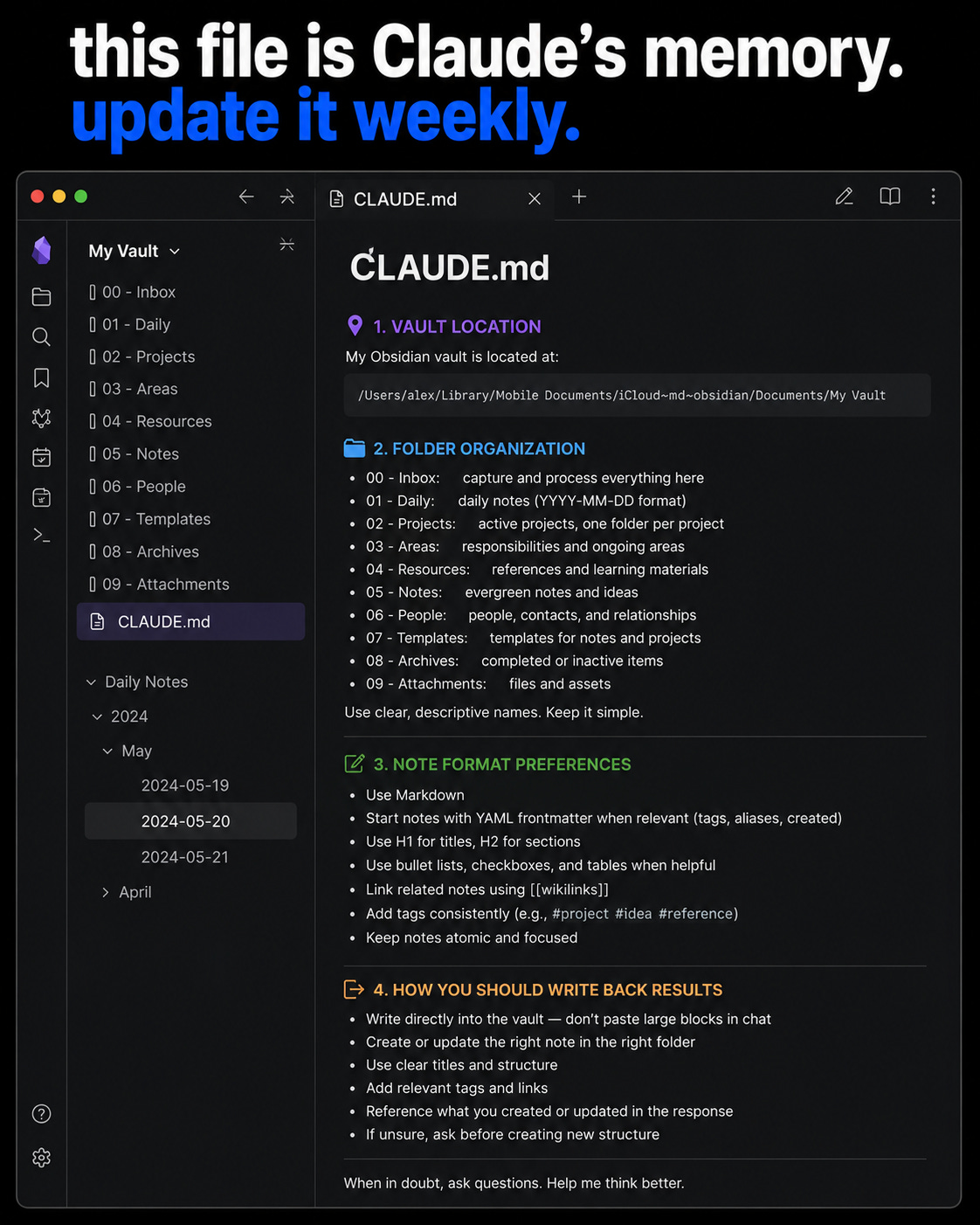
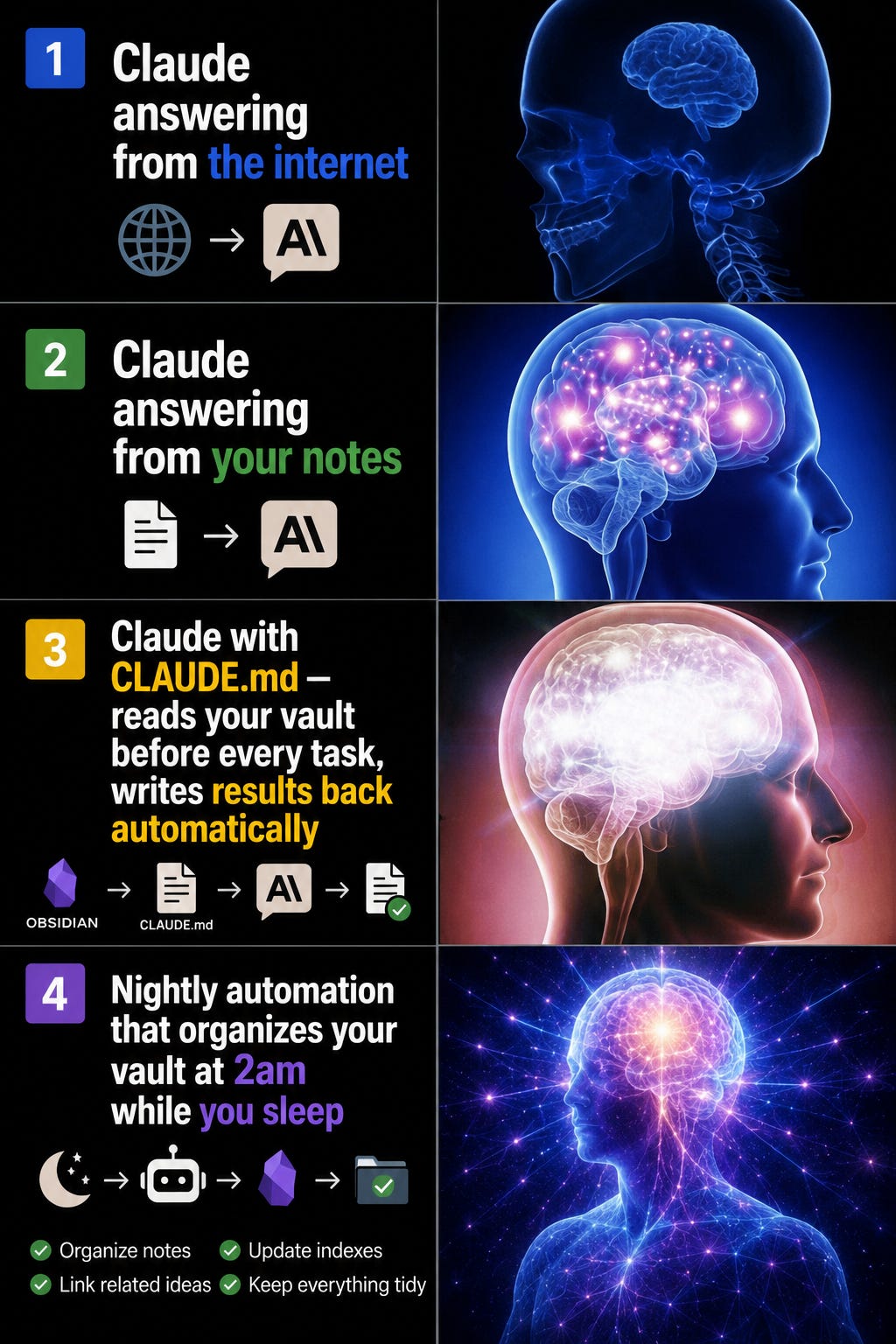
CLAUDE.md — Claude’s memory file — create a file called CLAUDE.md in your vault. Tell Claude where your vault is and how your notes are organized. Now Claude reads relevant notes before starting any task and writes results back into your vault. Your vault becomes Claude’s memory between sessions.
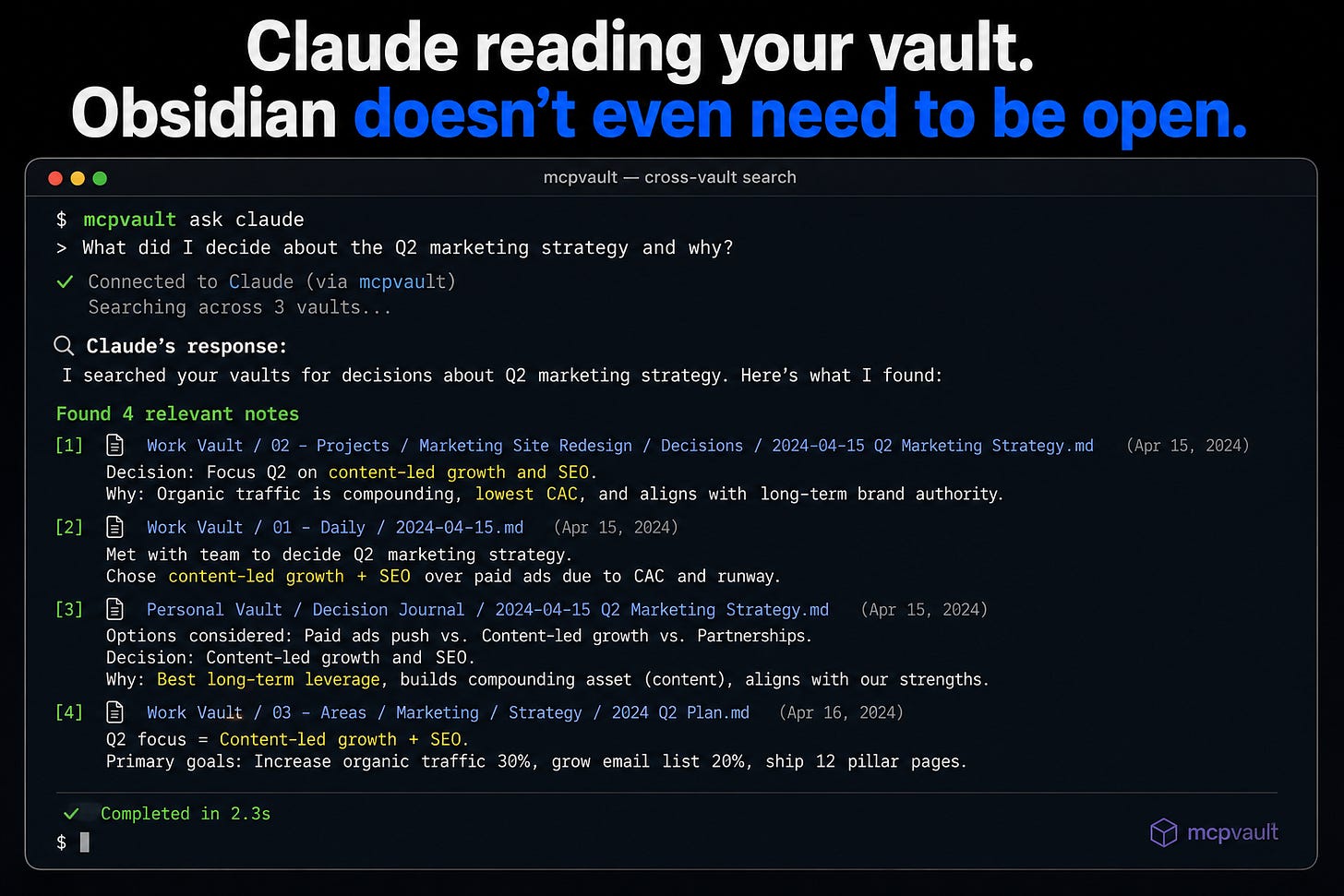
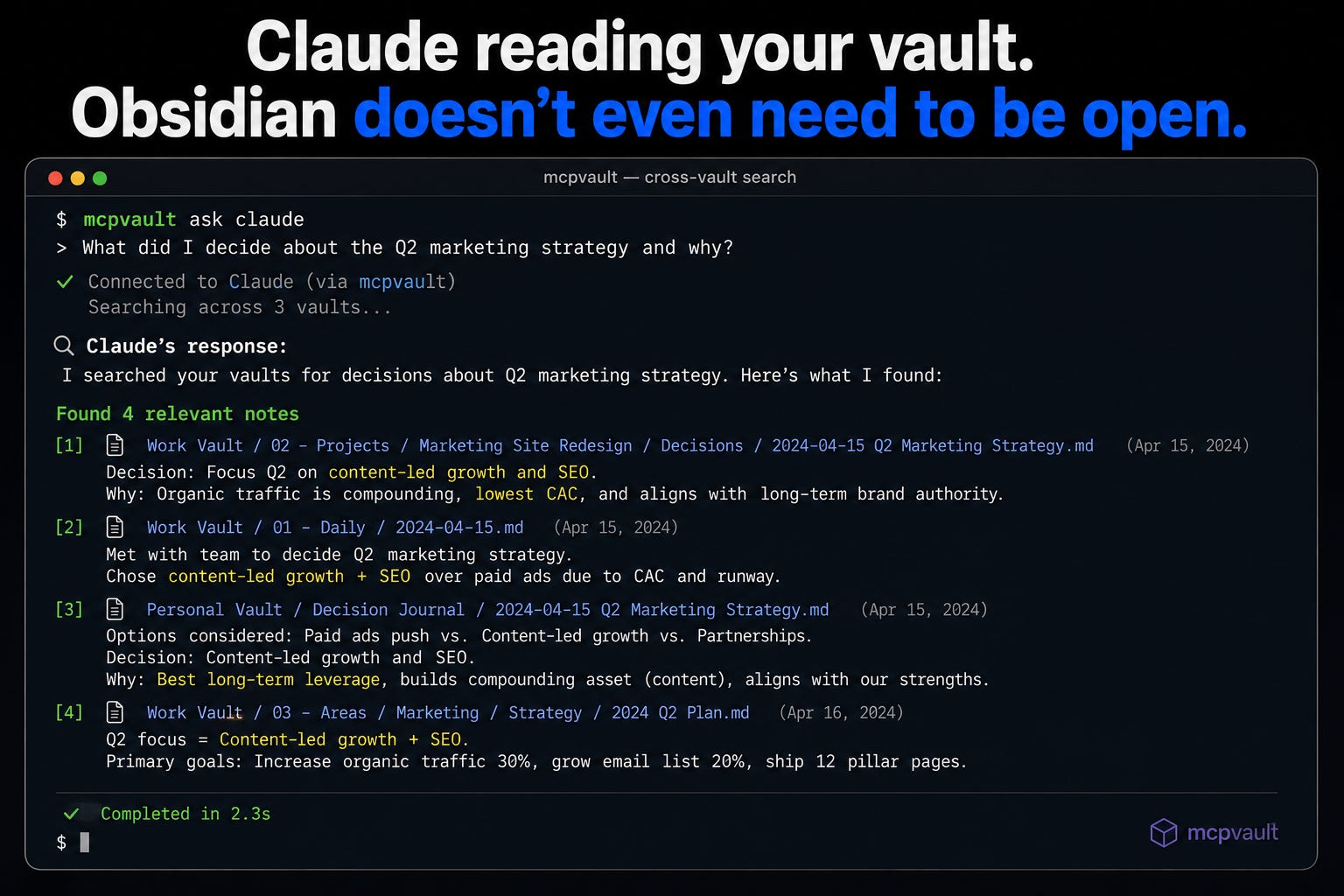
mcpvault — a free tool that lets Claude search and read your vault from the command line — even when Obsidian isn’t open. 14 commands. Works with Claude Desktop, Claude Code, Cursor, Windsurf. This is the connection that makes everything else possible.
Official Obsidian Skills — the founder of Obsidian personally built 5 AI skills for Claude Code. 12,900+ GitHub stars in under three months. Officially recommended. Markdown files, canvas files, CLI — all covered.
obsidian-second-brain skill — 31 commands for running your vault as an AI-first second brain. Includes an AI that argues with you using your own notes to stress-test your thinking. Scheduled agents that run on a timer. A research toolkit that pulls live posts, web results, and YouTube transcripts directly into your vault.
Nightly Automation (26) — a Claude Code routine that runs at 2am. Picks up new notes from your Inbox, files them in the right folders, adds links to related notes, creates a “processed overnight” summary. You wake up to an already-organized vault.
The Feedback Loop (30) — when Claude creates something using your vault — a summary, analysis, recommendation — save that output back into your vault as a new note tagged #ai-generated. Over time your vault contains both your original thinking and Claude’s synthesis of it. They feed each other. The knowledge compounds.
How to start today
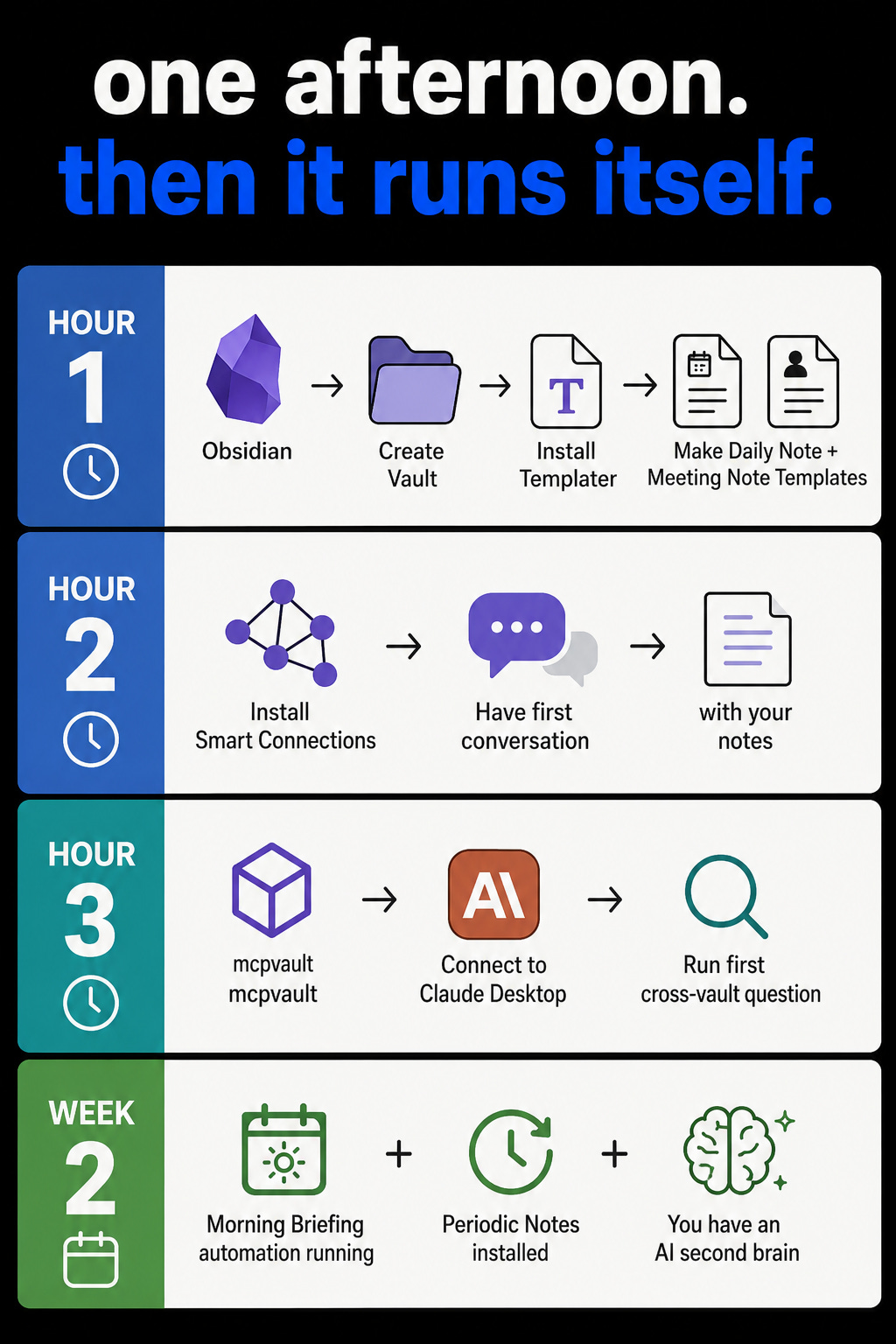
You don’t need all 30. Here’s the stack that works:
6 plugins: Smart Connections · Templater · Dataview · Periodic Notes · Tasks · Obsidian Git
1 connection tool: mcpvault MCP server
2 automations to build first: Morning Briefing · Weekly Review
One afternoon to set up. Hours saved every week after that.
The consultant who sent me that screenshot built this same stack eighteen months ago.
Her vault is now 800 notes.
Claude has read all of them.
When she starts a new project, she doesn’t start from scratch.
She starts from everything she’s ever learned.
That’s not a notes app.
That’s a second brain.
Download Obsidian today.
Create one vault. Write five notes about your current projects.
Install Smart Connections.
Then ask it: “What do I know about [your main project]?” and see what comes back.
You wrote more than you remember.
This is a great write up! One thing to add is the Wiki method where you ask Claude to keep track of a set of folders and write an evolving wiki based on what changes. I use this to track patterns across my weekly reviews over time and to help me mature ideas for my blog
I had no idea Obsidian could even connect to Claude, much less do all of this. Thank you for the writeup.